Hey there, it's been a while! Work on both the Third Eye Engine (TEE) and the Third Eye Editor (TEE3Edit) has continued and I feel I'm at a good point to share the latest progress. Here's what I've been working on since the last post:
Editor themes and cleanup
I worked hard on both cleaning up the prototype editor code and implementing a theme system. Themes in TEE3Edit are very detailed and highly customizable. This includes everything from margins and padding to colors and background images. Take a look at these 4 example themes:
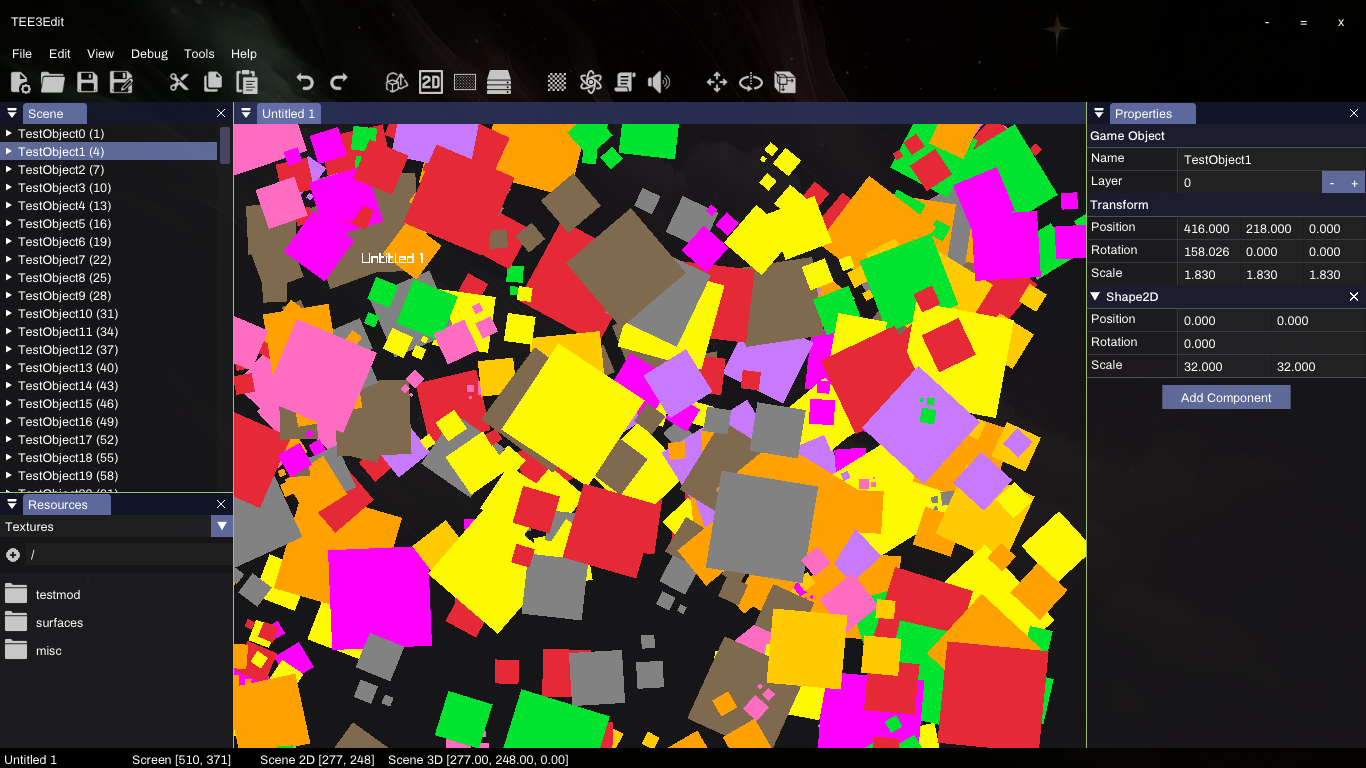
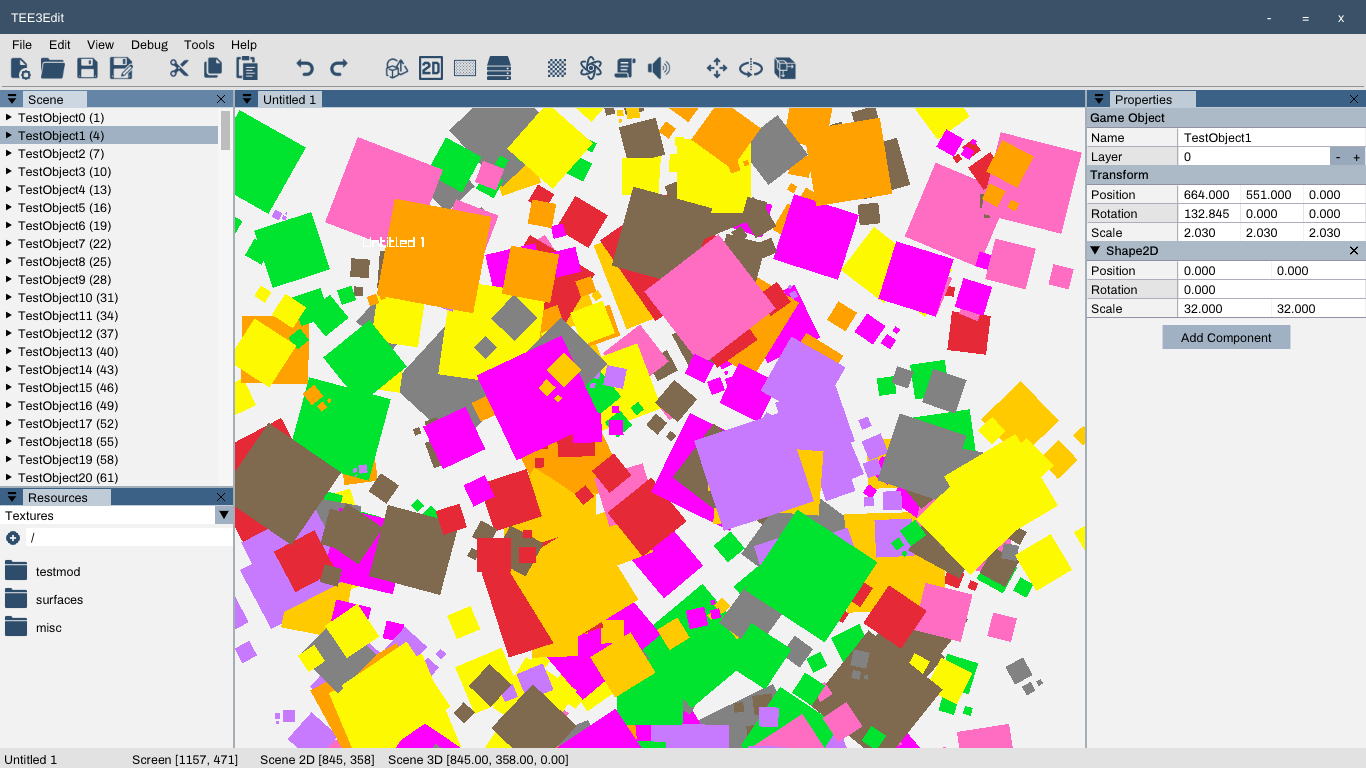
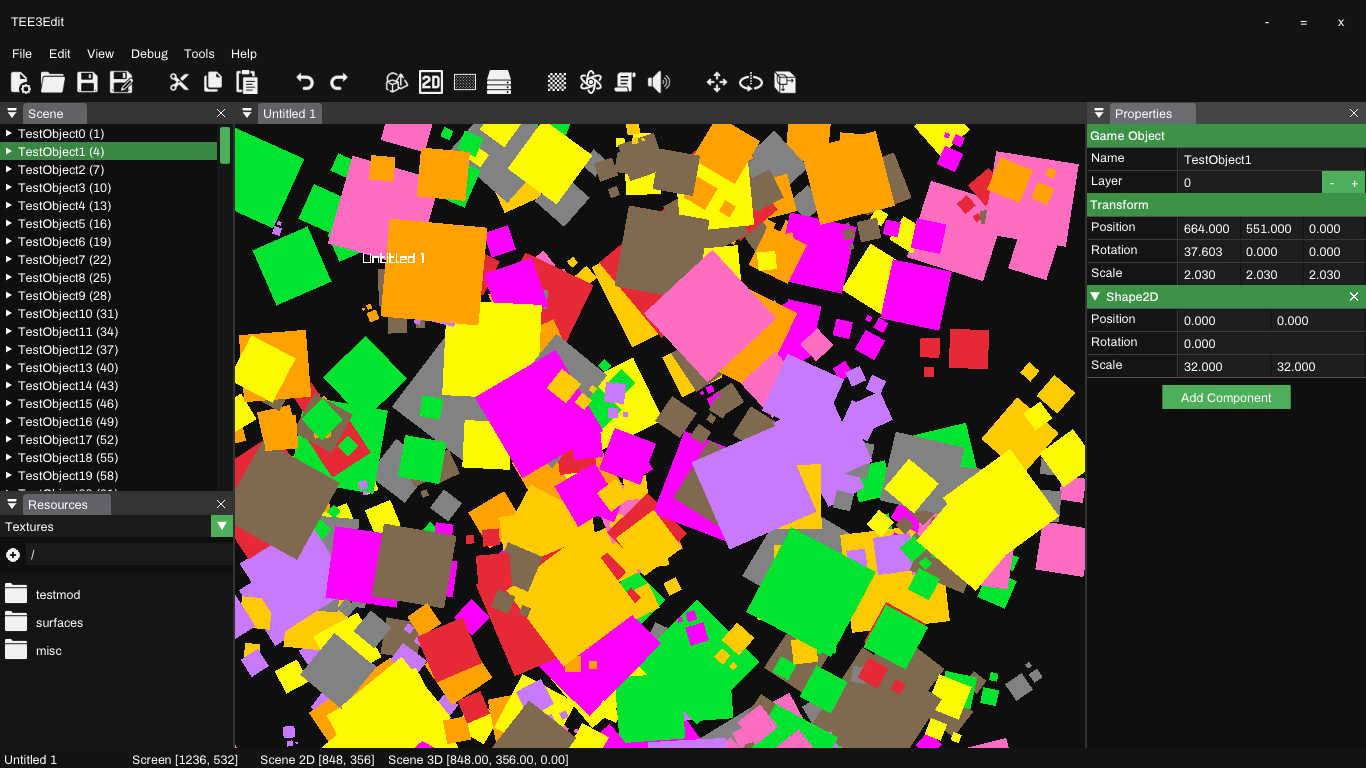
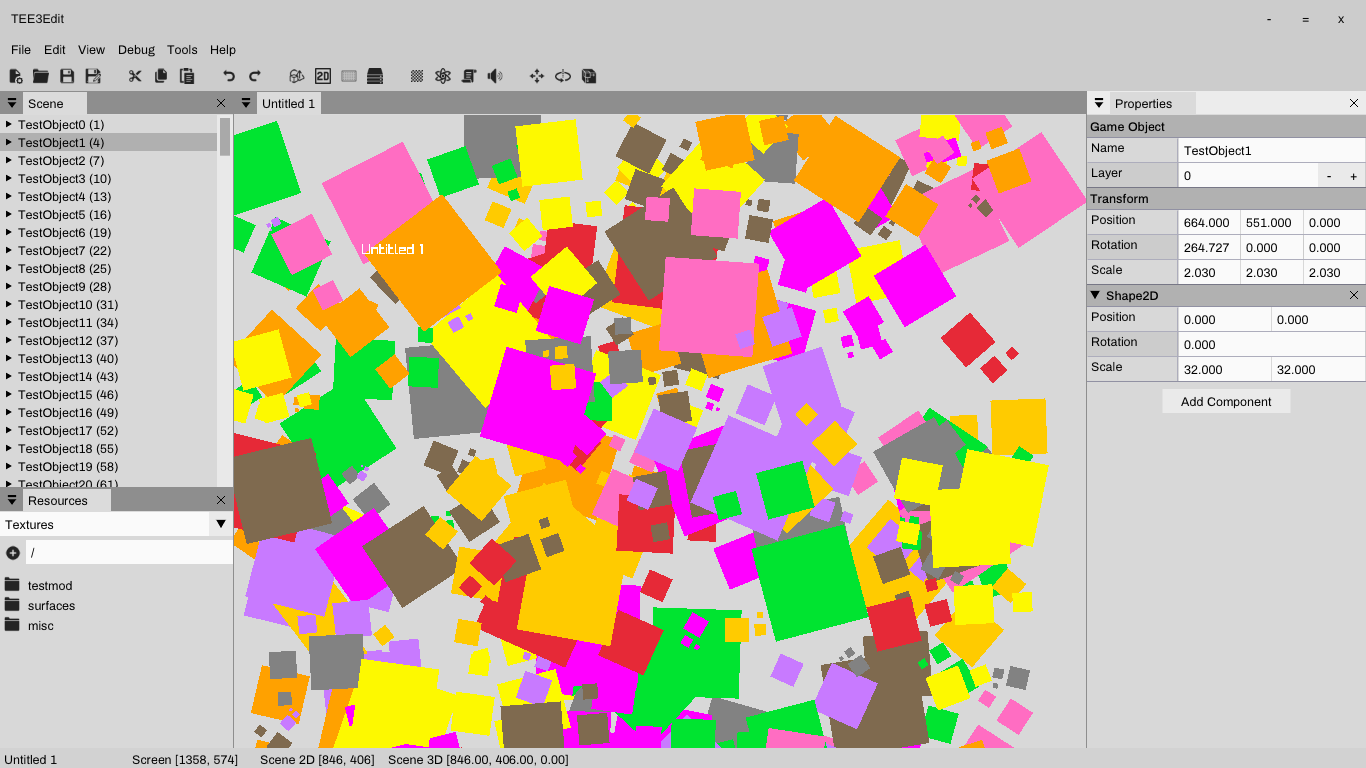
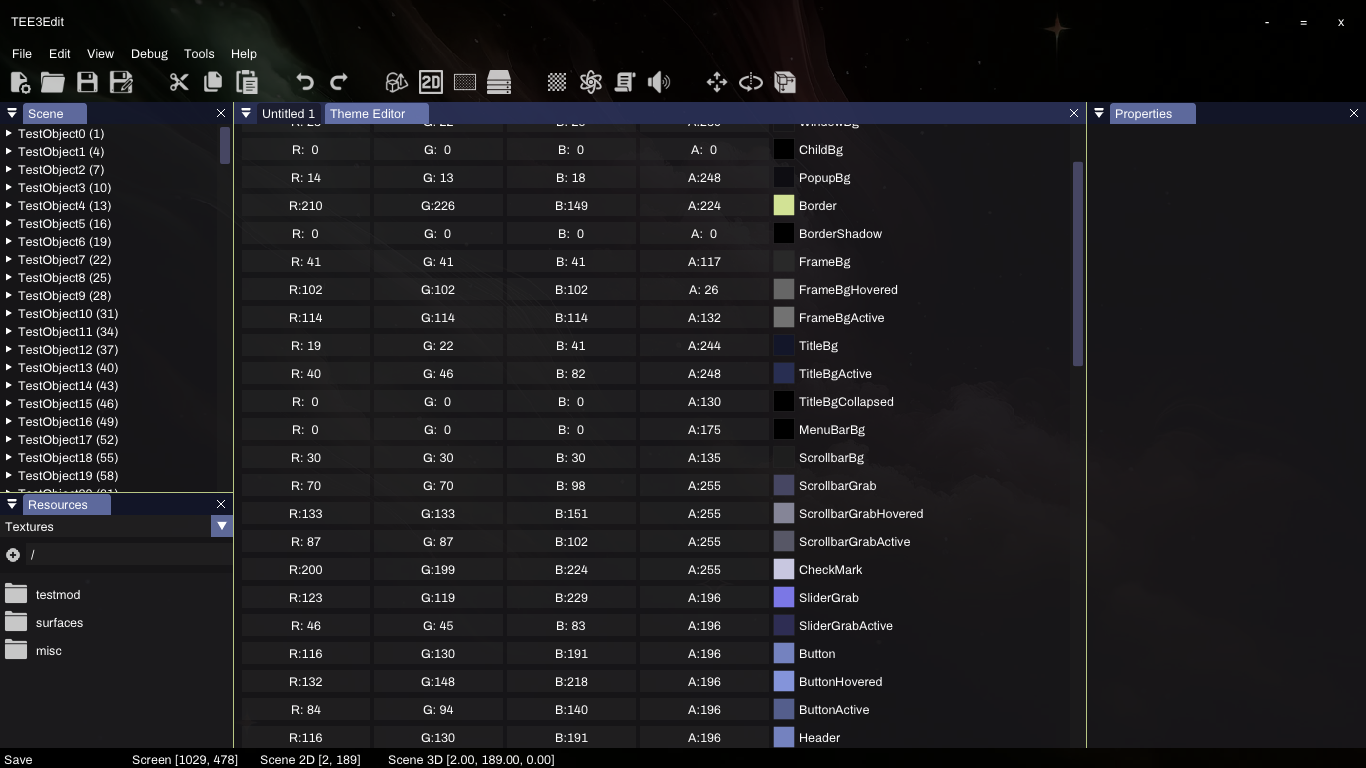
If those themes don't pique your interest, there's always the new full-featured theme editor:
Editor objects and components
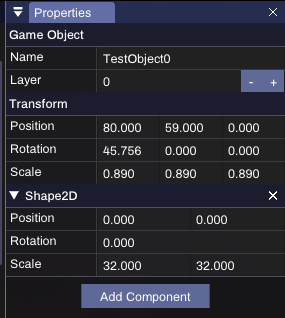
Objects and components have been implemented into the editor. One can now create new empty objects and add from the library of components that are available. The system in place for this is far easier to work with than the previous iteration of the Third Eye Engine. Now I can develop a component, and the editor automatically knows how to save, load and produce GUI for it. This saves me literal thousands of lines of code when compared to the previous iteration. Take a look at the object properties window, which is generated automatically:
Other editor/object improvements include:
- You can now select multiple objects! Though you can't directly modify the properties when selecting multiple objects (yet), this will come in handy for moving/rotating/scaling multiple objects at once
- You can now drag objects into eachother to set parents/children directly via the list instead of cutting and pasting
- When a component requires a resource, likewise you can simply drag the resource from the resources screen into the field instead of using the dropdown
- The styling of Object Properties window has been updated to look and function like the property editors of the Visual Studio line of tools
Object translation
The math for object translation (including relative translation for parents/children) has been completed. You can now create an object composed of multiple objects, and rotating / moving the base object rotates / moves the children accordingly while respecting their relative positioning and rotations. The same goes for scale, where if you scale a base object any children will also be scaled accordingly. The same has been done for 3D, which now internally uses quaternions instead of euler rotations. That will be seen as we move into 3D rendering (which is coming very soon).
Rendering
Lots of improvements to the current chunk-based 2D rendering system. Objects can now be placed onto different layers and will render in the correct order. Improvements were also made to the efficiency of the rendering process.
What's next?
My current list is as follows:
- Object selection via the mouse
- Moving, scaling and rotating 2D selected objects with the mouse
- Ability to delete objects
- 3D rendering engine beginnings
Things are about to take off as much of the legwork needed to implement new functionality has been completed. When it comes to 3D rendering, and things like Physics integration, I expect that progress will accelerate as much of the work that used to take me a great deal of time (save/load functionality, GUI for modifying new components) is taken care of automatically this time around.